Free shipping over $75
Cart subtotal at least $75 → Free shipping
An $82 cart gets every rate free, express included. A $70 cart pays shipping, and the cart can show "Spend $5 more to unlock free shipping."
Tab Promo has a Free shipping action that makes every shipping rate at checkout free when a rule's conditions match, such as a cart subtotal of $75 or more. You can add Country / region, Customer tag, Order count, Customer spend (LTV) or B2B conditions to the same rule, and run it as an automatic discount or a code. With a Tab Promo app embed on, your theme can show how much more the shopper needs to spend to unlock it.
See it work
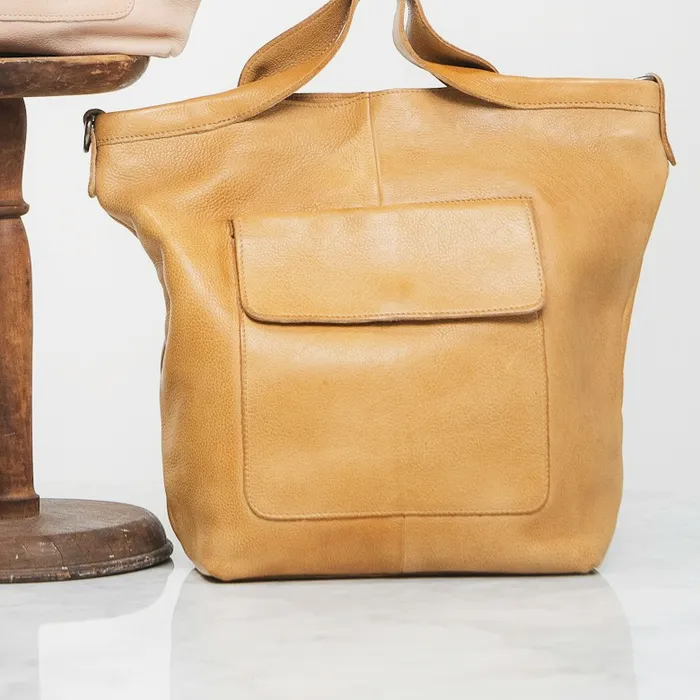
Your bag
Spend $40 more to unlock free shipping
 Market ToteHoney · Qty 1$260.00
 Pearl Hair ClipPairs with the tote · $65.00
Subtotal$260.00
ShippingAt checkout
Estimated total$260.00
Checkout
Taxes and shipping are calculated at checkout
Shipping at checkout
$15.00
$40 short of $300
Examples
Cart subtotal at least $75 → Free shipping
An $82 cart gets every rate free, express included. A $70 cart pays shipping, and the cart can show "Spend $5 more to unlock free shipping."
Cart subtotal at least $50, and Country / region in United States → Free shipping
A $60 cart shipping to Ohio ships free. The same cart shipping to Canada pays the normal rate.
Customer tag includes "Member" → Free shipping (no minimum)
A signed-in customer tagged Member ships free on any order; other shoppers pay shipping.
Order count at least 2, and Cart subtotal at least $40 → Free shipping
A customer with 3 past orders gets free shipping on a $45 cart. A guest with the same cart pays shipping.
Setup
Good to know
Plan: Free — up to 20 promotion orders a month; Starter — $49/month for unlimited orders. Compare plans
FAQ
Before. Cart subtotal adds up item prices before discounts and before tax. A claimed free gift never counts toward it.
You enter it in your store's currency. At checkout the cart is converted with Shopify's currency rate before it is compared. To run the offer only for some currencies, add a Cart currency condition.
Yes. Add Country / region and choose In or Not in with the countries you want. It matches the shipping address the shopper enters at checkout.
No. When the rule matches, every shipping rate the shopper can pick becomes free.
Yes. Choose Discount code when you create the campaign. The code only gives free shipping when the cart meets the rule.
Only if you allow it in the campaign's Combinations card, which follows Shopify's rules for product, order and shipping discounts. Shopify applies only one shipping discount per order, the best value.
More with Tab Promo