Spend threshold gift
Cart subtotal $50 or more → free tote bag (1 unit)
At $62 the cart shows a claim button. After the shopper claims it, the tote is $0 at checkout.
Tab Promo offers a free gift when a cart meets your conditions, such as spending $50 or buying from a collection. The gift is not added automatically: your theme shows a claim button, the shopper adds the gift, and Shopify checkout confirms the claim is still valid before making it free. You can offer a single gift or a pool of up to 20 products and let the shopper pick one or several of them.
See it work
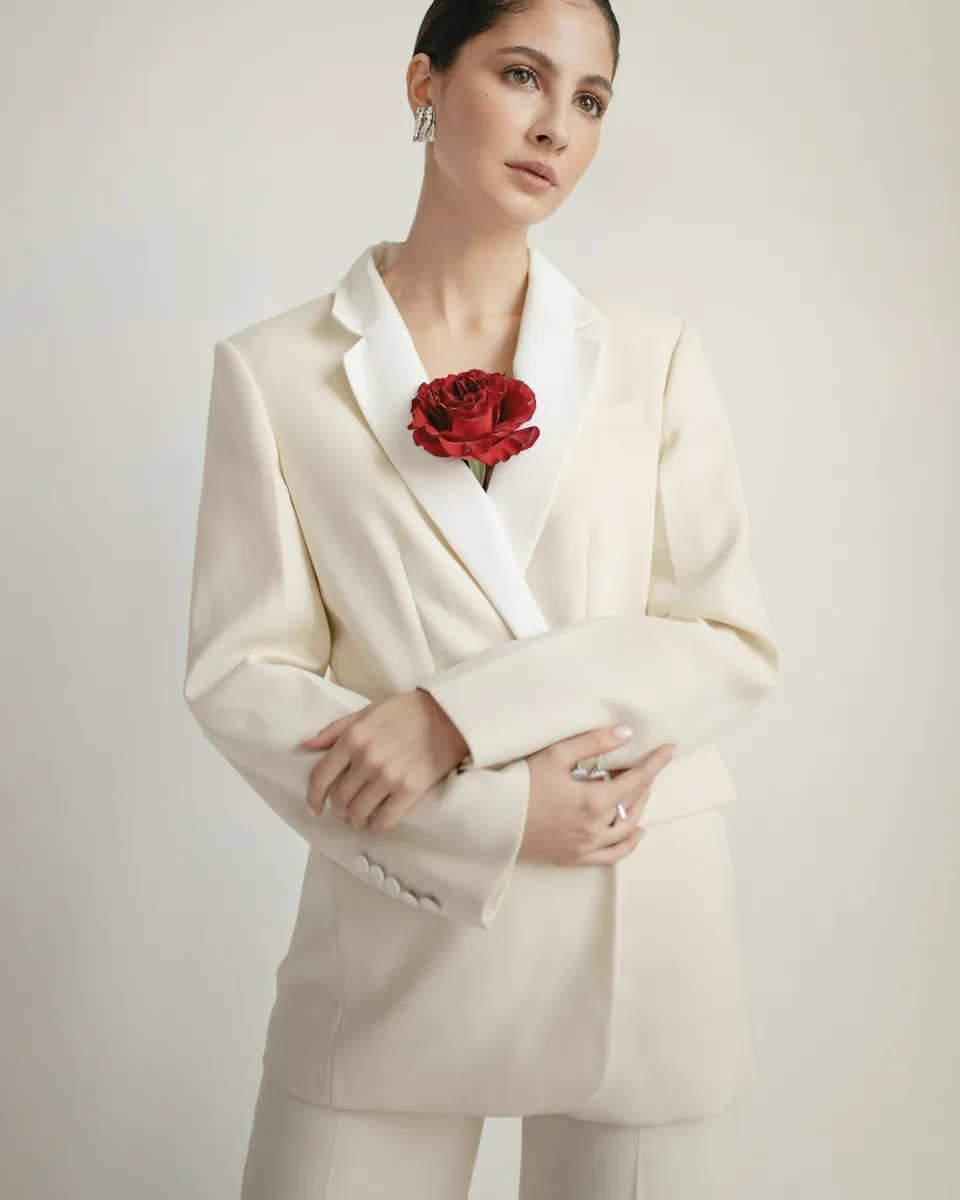
Your bag
You’ve unlocked a free Pearl Hair Clip
 Pearl Hair ClipFree · $65.00 value
 Black Wool BlazerSize 38 · $420.00
 Tailored TrousersSize 36 · $220.00
Subtotal$640.00
Pearl Hair Clip · gift—
Total$640.00
Checkout
Free gift threshold
$640.00
Over $500.00 — gift unlocked
Examples
Cart subtotal $50 or more → free tote bag (1 unit)
At $62 the cart shows a claim button. After the shopper claims it, the tote is $0 at checkout.
Cart subtotal $100 or more → free scarf, pool of its colour variants
The shopper picks navy; sold-out colours cannot be selected.
Cart subtotal $150 or more → 2 free gifts from a pool of 5 minis, one gift per product
The shopper opens the gift sheet and picks two different minis, now or on a later visit.
Cart contains an item from Skincare → free travel-size cleanser
Any skincare purchase unlocks the cleanser, regardless of cart total.
Customer tag "VIP" and subtotal $75 or more → free sample kit
Tagged VIPs see the claim button; other shoppers do not qualify.
Setup
Good to know
Plan: Free — up to 20 promotion orders a month; Starter — $49/month for unlimited orders. Compare plans
FAQ
No, by design. The shopper sees that a gift is available and chooses to add it. This keeps the cart predictable and avoids surprise items in the drawer.
No. Browser code cannot make an item free. At checkout, Shopify re-checks eligibility, the chosen variants, the quantity and the gift marker before applying the 100% discount.
The gift claim button comes from the Tab Promo theme app embeds. Cart refresh has built-in handling for Dawn and Horizon-based themes and several popular theme families. The Cart drawer offers panel places itself automatically on Horizon; other or heavily customized themes may need its drawer setting or developer work with the Storefront SDK.
Yes. A free gift can be part of an automatic campaign or a code campaign. The template starts as automatic.
Yes, if you allow it. The campaign's Combinations setting controls whether its discounts can combine with other Shopify discounts.
More with Tab Promo