Pair to upsell
Running shoes + running socks show up together → Create upsell
The upsell editor opens with the pair filled in. You set the discount and placement, then save.
Tab Upsell & Bundles reads your last 90 days of paid Shopify orders and lists the product pairs bought together, with how many orders each pair appeared in. You decide which pairs become an upsell or a bundle; nothing goes live until you finish and save it. With fewer than 20 eligible paid orders, you pick the products by hand instead.
See it work
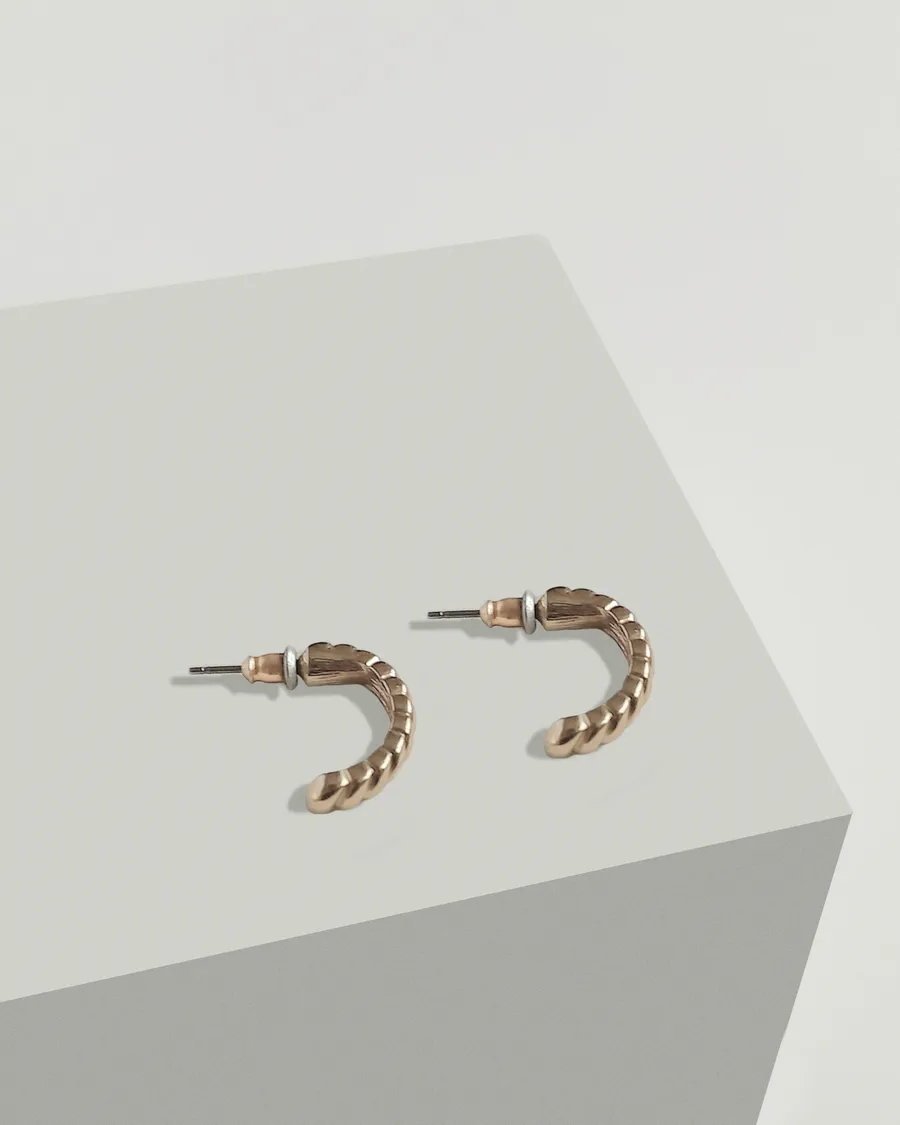
Discovery · paid orders, last 90 days
Bought with Goutte Earrings
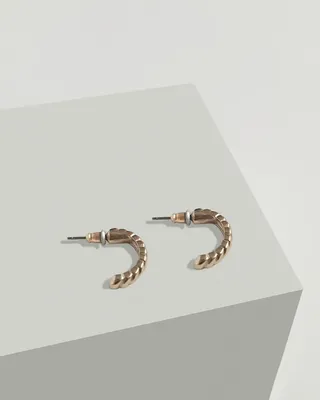 Torsade HoopsTogether in 42 orders
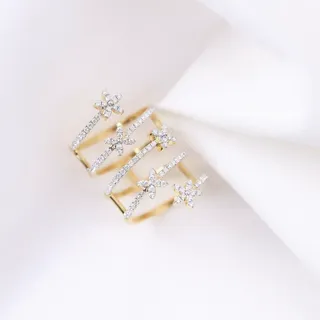 Étoile RingTogether in 27 ordersCreate bundle
Upsell editor
Choose a pair to pre-fill an upsell. Nothing reaches your store until you save it.
Live on the Goutte Earrings product page
Examples
Running shoes + running socks show up together → Create upsell
The upsell editor opens with the pair filled in. You set the discount and placement, then save.
Snowboard + board bag → Create bundle
The bundle editor opens with both products. Add a wax kit and 10% off before you save.
Gift card + anything → Ignore
The pair leaves your list. Nothing on your storefront changes.
Fewer than 20 paid orders in 90 days → Create manually
Pick the products yourself now, and run Discovery again once more orders come in.
Setup
Good to know
Plan: Free — 50 Online Store orders every 30 days; Starter — $49/month for unlimited orders (Discovery, unlimited campaigns and bundles on both). Compare plans
FAQ
No. Create upsell and Create bundle only fill in an editor. Your storefront changes only after you save the campaign and Shopify confirms it.
Up to 90 days of paid orders. It needs at least 20 eligible paid orders in that window to rank pairs.
The number of orders with both products, squared, divided by the number of orders analyzed. It sorts the list. It is not a sales forecast.
No. Upsells stay inside the products you approved, and bundles stay inside the variants you allowed. Discovery cannot widen either.
Use Create manually to pick the products yourself. Run Discovery again once you have enough paid orders.
Discovery runs once after install and again whenever you click Refresh analysis. Refresh after a busy season or a catalog change to see the latest pairs.
No. It counts how often products appear together in your own paid orders. There is no model guessing what shoppers might want.
More with Tab Upsell & Bundles