Care kit in the cart
Any leather boot in the cart → leather care kit, 10% off
The care kit shows on the cart page. The discount applies while a boot is in the cart.
Tab Upsell & Bundles shows add-on products you choose on your Shopify cart page and inside compatible cart drawers, based on what is already in the cart. Cart placements are on every plan, including Free. The drawer option adds cards to your theme’s own drawer; it does not replace it.
See it work

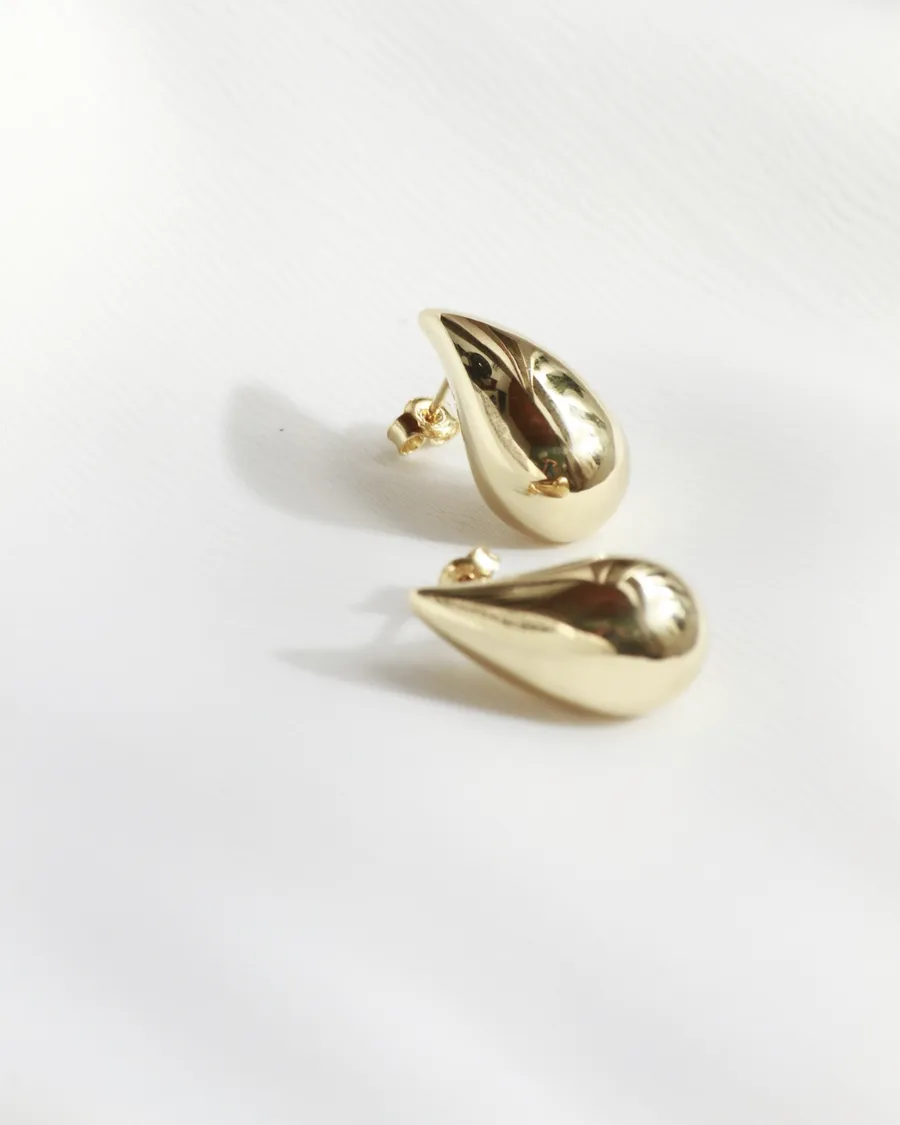
Earrings
Goutte Earrings
$140.00
Added to bag
Complete the look
 Torsade Hoops$120.00
 Étoile Ring$180.00
Free engraving on all earrings
Your bag
 Goutte Earrings14k gold$140.00
Pairs well with your earrings
 Fil d’Or Necklace$180.00
Subtotal$140.00
Checkout
Order value
$140.00
Earrings only, before any add-on
Examples
Any leather boot in the cart → leather care kit, 10% off
The care kit shows on the cart page. The discount applies while a boot is in the cart.
Any product → gift wrap, cart drawer
Gift wrap shows in the drawer when the shopper opens it.
Cart has a tent and a stove → one rule suggests stakes, another suggests fuel
Both rules add their products, taking turns. Duplicates are removed, so each product shows once, up to 20 cards.
Camera → memory card on the product page and the cart page
One rule covers both. Reports keep the place where the shopper acted.
Setup
Good to know
Plan: Free — 50 Online Store orders every 30 days; Starter — $49/month for unlimited orders (cart page and compatible cart drawer placements on both). Compare plans
FAQ
The embed first looks for common drawer elements. If your theme builds its drawer differently, enter the drawer’s CSS selector in the embed’s Drawer container, Injection target and Insert position settings — no code edit needed — or have a developer add one mount point. If nothing is found, nothing shows and your drawer keeps working as before.
Every matching rule adds its products, taking turns. Duplicates are removed, each product shows once, and the placement shows up to 20 cards.
Yes. After an item is added, changed or removed, the cards re-read the cart and update, so a product the shopper just added drops out of the suggestions.
No. A product already in the cart is never recommended, on the cart page, in the drawer or on product pages.
No. The cart page block and the drawer embed are turned on in the theme editor, and the embed’s selector settings cover most drawers it doesn’t find on its own.
Not on paid plans: each is a flat monthly price with no limits on orders or storefront views. The Free plan covers 50 Online Store orders every 30 days.
More with Tab Upsell & Bundles